




Spinmama App: Mobile Casino Gaming
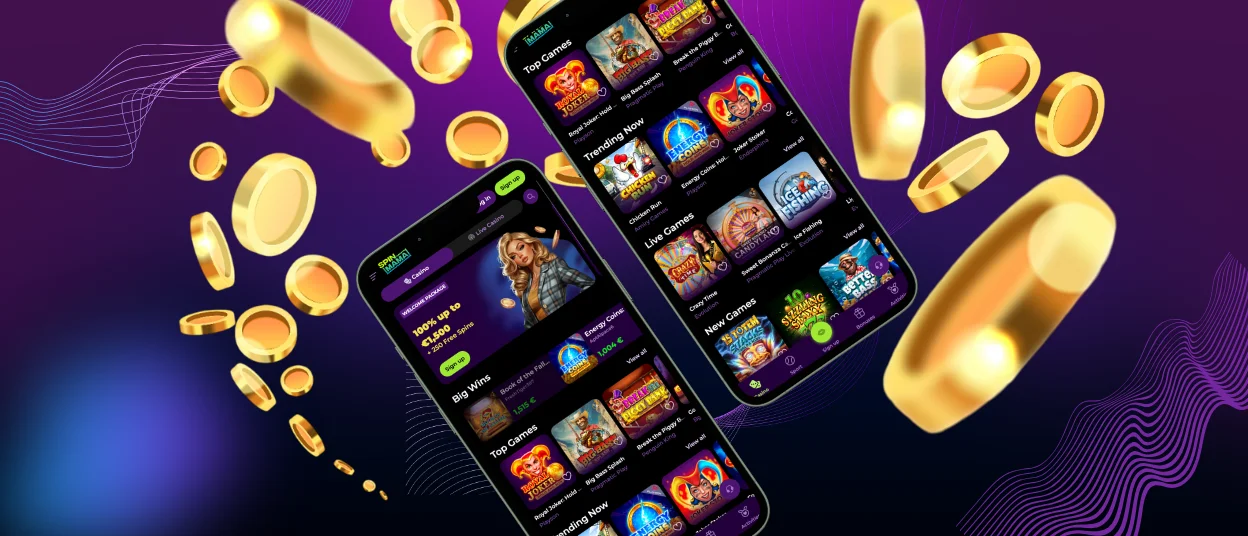
The Spinmama app is the mobile casino platform, rebuilt from the ground up for a smaller screen and a faster pace. Nothing is removed. Every game category, every deposit method, every active bonus – it’s all there. The only thing that changes is where you are when you play.



Benefits and Features of the Spinmama Casino App
The foundation of the Spinmama mobile gaming experience is PWA technology – Progressive Web App. It installs directly from your browser. The Spin Mama app takes up minimal space and opens directly into your account in full-screen mode with touch-optimized controls from the moment you tap the icon.
Push notifications matter because they help you to know about new tournaments and limited-time bonus offers. Players who rely on the browser alone can miss things.
Online slots, which make up the largest section of the catalog, were already built for brief, self-contained sessions that suit mobile play naturally. Account management works exactly as it does on desktop. Deposits, withdrawals, bonus activation, mission tracking – all of it is accessible without switching devices. The Spinmama Casino support team is reachable via live chat directly from the mobile interface, which is useful when a question comes up mid-session and you don’t want to lose your place.
Mobile Application for iOS
Getting the Spinmama app onto an iPhone or iPad takes about sixty seconds and requires nothing beyond the browser you already use.
- The Spin Mama Casino website is open, and here you tap the Share button at the bottom of the screen.
- Here, you just scroll through the options and select “Add to Home Screen.”
- You’ll have the opportunity to name the shortcut whatever you like, then tap “Add” in the top-right corner.
- From that point on, tapping the icon opens directly to your Spinmama login page. If you’re a first-time player, you’ll need to complete the verification process before making your first withdrawal, but you can start exploring the platform and making deposits as soon as your account is set up.
Spinmama App for Android
Android users follow a path that’s slightly different in steps. At the Spin Mama website in Chrome or your preferred browser, tap the three-dot menu in the top-right corner, and select “Add to Home Screen.” After this, you confirm the action, and the icon is placed on your home screen within seconds.
The Spinmama Casino app on Android runs with the same full-screen optimization and touch controls as the iOS version, pulling from the same game library and connecting to the same account.
Security on Mobile
The Spinmama app uses TLS 1.3 encryption and HTTPS protocols for all data transfers, the same standards applied to the desktop platform. Because the app installs from our website, there’s no risk associated with downloading from an unofficial Spinmama APK or unverified store listing. The app requests no unnecessary device permissions – standard browser access is all it needs, which means your personal information stays on your own terms.
Play Spin Mama Casino on Mac or Windows
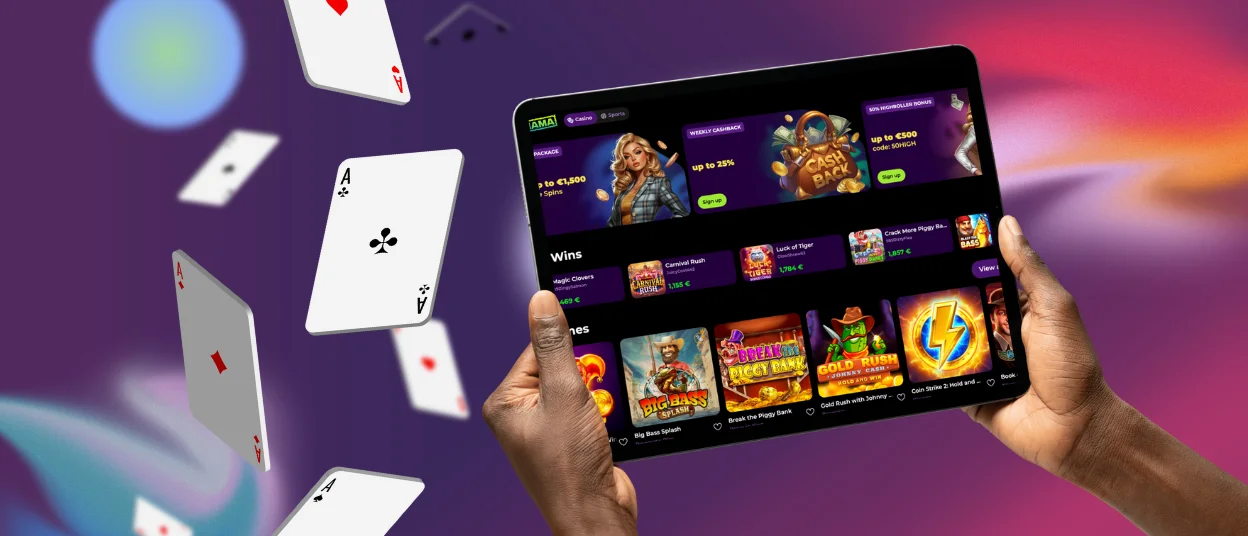
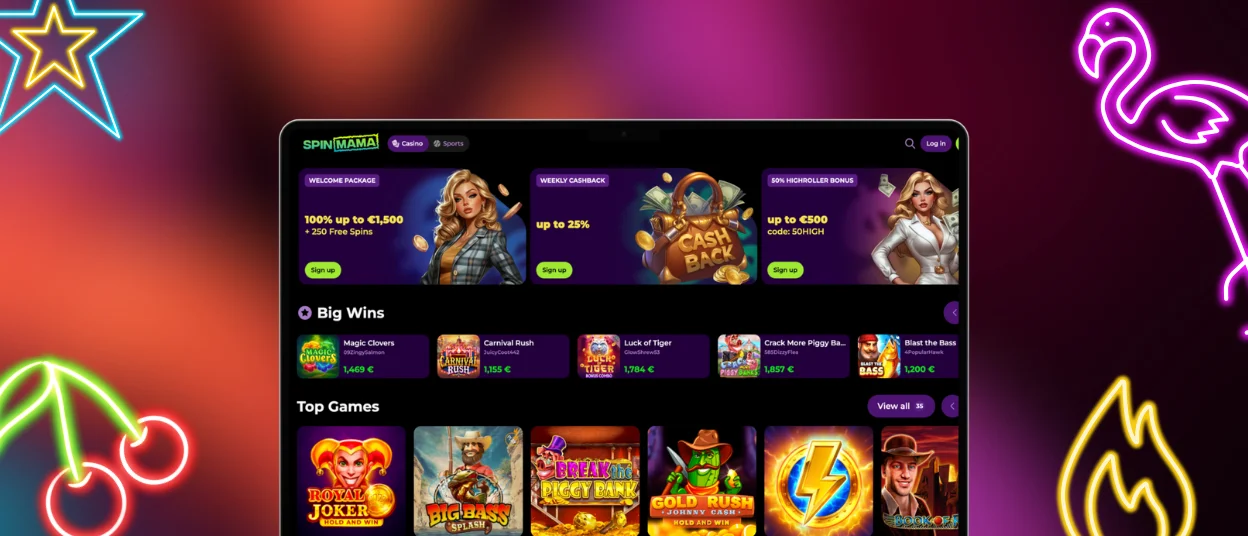
Spinmama Casino also works smoothly on desktop and laptop devices running Mac or Windows. The platform opens directly in your browser and gives you access to the full casino version. That includes the same game library, payment tools, bonuses, tournaments, and account settings available on mobile.
For many players, desktop play is more comfortable during longer sessions, especially for live casino games or when browsing a large number of slots. Modern browsers like Chrome, Safari, Edge, and Firefox handle Spinmama without issues.
Players sometimes aren’t sure if it’s better to use the Spin Mama app, the mobile browser, or the desktop version. The answer is that all three work, but they’re not identical in what they offer day-to-day.
| Access Method | Install Required | Push Notifications | Load Speed | Storage Used | Best For |
| Spinmama Casino PWA (iOS/Android) | Yes – home screen shortcut | Yes | Fast | Minimal | Regular players, bonus trackers |
| Mobile browser (Safari/Chrome) | No | No | Fast | None | Occasional use, first visits |
| Desktop browser | No | Browser-based | Fast | None | Extended sessions, full-screen play |
| Desktop PWA (PC/Mac) | Yes – address bar install | Yes | Fast | Minimal | Desktop players who want app benefits |
FAQ
Does the Spinmama app support both the Casino and Sports sections?
The app includes them in one place. You don’t need separate downloads or two different accounts. The same login gives access to casino games, sports betting markets, balances, and promotions. If a section doesn’t appear, it’s related to local availability.
Which Android browser works best with the Spinmama app?
Chrome handles the installation process most reliably on Android. It especially works for installing the Spinmama shortcut version and keeping performance stable. Other modern browsers still work well if they’re updated. If pages feel slow or buttons don’t respond properly, the browser version is the first thing worth checking.
Can I remove the Spinmama shortcut without deleting my account?
Removing the icon from your home screen only removes the shortcut. Your Spinmama Casino account stays completely intact. Balance, history, bonuses, and settings remain attached to your profile, not the shortcut itself. If you add it again later, everything will still be there after you log in.
Why can’t I see the “Add to Home Screen” option on my iPhone?
This option only appears in Safari, it is not available in Chrome or other third-party browsers on iOS. Open the Spin Mama website in Safari and tap the Share icon at the bottom of the screen. The option will be there.


